
Financial Management
Assign costings and sell rates to task types, parts and consumables.

Built to make financial management effortless.
Take control of job profitability. Apply costings and sell rates to task types, parts and consumables, generate invoices linked directly to completed work, and gain clear visibility on margin across every job, technician and client.
Key Benefits
- Apply cost and sell rates to task types, parts and consumables
- Invoices generated directly from completed work
- Margin visibility per job, technician and client
- Plug into your existing ERP and accounting stack
Managing financial operations across a distributed workforce becomes complicated fast.
Quotes get delayed, invoices go out with errors, labour costs are miscalculated, and financial visibility becomes fragmented across teams, locations, and systems. When your workforce operates in the field, finance needs to move at the same speed as operations.
That’s where our financial management software gives you an advantage.
Built as part of a connected workforce and job management platform, our solution helps businesses streamline quoting, invoicing, cost tracking, reporting, and financial workflows in one place. Instead of relying on disconnected spreadsheets and manual admin, you gain real-time control over revenue, expenses, and job profitability from the office to the field.
Whether you manage service teams, installations, maintenance operations, inspections, or distributed field staff, our platform gives every financial systems manager the tools needed to improve accuracy, speed up billing cycles, and strengthen business performance.
Gain Full Financial Visibility Across Every Job
Financial performance is only as strong as the visibility behind it.
Our financial management software gives you a live view of every financial touchpoint tied to your workforce operations. From quotes and scheduled jobs to parts usage, labour hours, travel costs, and completed invoices, every transaction is connected.
This means your finance team, operations managers, and field leaders can all work from the same real-time data.
Track job costs as they happen, monitor margins across teams, and identify issues before they impact profitability.
With integrated dashboards and reporting tools, every financial systems manager can quickly access the insights needed to support better business decisions, improve forecasting, and reduce operational waste.
Faster Quotes and More Accurate Invoicing
Delays in billing directly affect cash flow.
Our platform simplifies the entire quote-to-cash workflow so your teams can move faster and reduce manual processing.
Build professional quotes in minutes using preloaded rates, labour costs, parts, and service templates. Once approved, quotes can be instantly converted into scheduled jobs with no duplicate data entry.
After work is completed, invoices are generated automatically using actual time worked, materials consumed, travel distance, and additional service charges.
This ensures every invoice reflects the true cost of delivery while eliminating the common errors that come with manual re-entry.
For organisations managing multiple technicians or field teams, this level of automation gives the financial systems manager far better control over revenue recognition and payment cycles.
Real-Time Labour and Cost Tracking
One of the biggest challenges in field-based operations is accurately capturing real costs.
Our financial management software automatically records time on task, technician movement, asset usage, and job completion data in real time.
This creates a clear picture of labour costs without relying on manual timesheets or after-the-fact reporting.
Track:
technician work hours
overtime costs
travel time
mileage expenses
materials usage
equipment allocation
subcontractor costs
Every cost driver is linked directly to the relevant task, project, customer, or site.
This allows the financial systems manager to quickly assess job profitability, identify margin leakage, and improve resource planning across future work orders.
Better Budgeting and Forecasting
Strong financial performance requires proactive forecasting, not reactive reporting.
Our reporting dashboards transform operational activity into financial intelligence.
Monitor revenue trends, outstanding invoices, labour utilisation, SLA costs, repeat visit expenses, and inventory spend from one centralized platform.
Because the data updates in real time, finance teams can forecast more accurately and adjust faster.
This is especially valuable for service businesses that need to plan staffing, control operating costs, and maintain predictable margins.
For the modern financial systems manager, better forecasting means better strategic decisions, reduced overhead, and stronger financial planning.
Integrated Financial Workflows Across Departments
Disconnected departments create financial inefficiencies.
Our financial management software connects finance, dispatch, operations, field technicians, and reporting into one unified system.
Scheduling updates flow directly into labour costing.
Asset usage updates inventory and parts costs automatically.
Completed work orders trigger invoice generation.
Customer tickets and SLAs can be tied directly to billing workflows and service agreements.
This level of integration removes silos and reduces the friction that often slows finance teams down.
Instead of chasing information from multiple departments, the financial systems manager gets immediate access to the full financial picture.
Improve Cash Flow and Reduce Billing Delays
Cash flow issues are often caused by slow internal processes rather than lack of demand.
Our platform helps businesses accelerate billing by automating key financial workflows.
Quotes are sent faster.
Jobs are approved faster.
Invoices are generated immediately after completion.
Customers receive clear, branded documentation with full cost transparency.
This shortens your billing cycle and helps you get paid faster.
For finance leaders focused on reducing days sales outstanding and improving operational liquidity, our financial management software delivers measurable gains.
The financial systems manager no longer needs to wait on fragmented data or delayed technician paperwork to move invoices forward.
Designed for Service-Based and Field Operations Businesses
Our platform is purpose-built for organisations that need finance and operations working together.
Ideal industries include:
facilities management
telecommunications
fire safety
healthcare services
automotive services
mining operations
field maintenance
insurance inspections
remote workforce teams
Whether you manage 10 field technicians or hundreds of mobile workers, our financial management software scales with your business.
Every financial systems manager gains better control, stronger visibility, and faster financial workflows that support growth.
Take Control of Your Financial Operations
Financial complexity should never slow down operational performance.
With our financial management software, you can automate billing workflows, track costs in real time, improve reporting, and strengthen cash flow across your entire workforce.
Give every financial systems manager the visibility and control needed to drive smarter financial decisions.
Book a demo today and see how better financial systems create stronger business outcomes.
Measured impact across WorkWide Mobile customer deployments.
Measured impact across WorkWide Mobile customer deployments.
Measured impact across WorkWide Mobile customer deployments.
Where teams put Financial Management to work.

Job-level profitability
See cost vs sell on every completed job, instantly.

Auto-invoicing
Generate invoices the moment a job is signed off in the field.
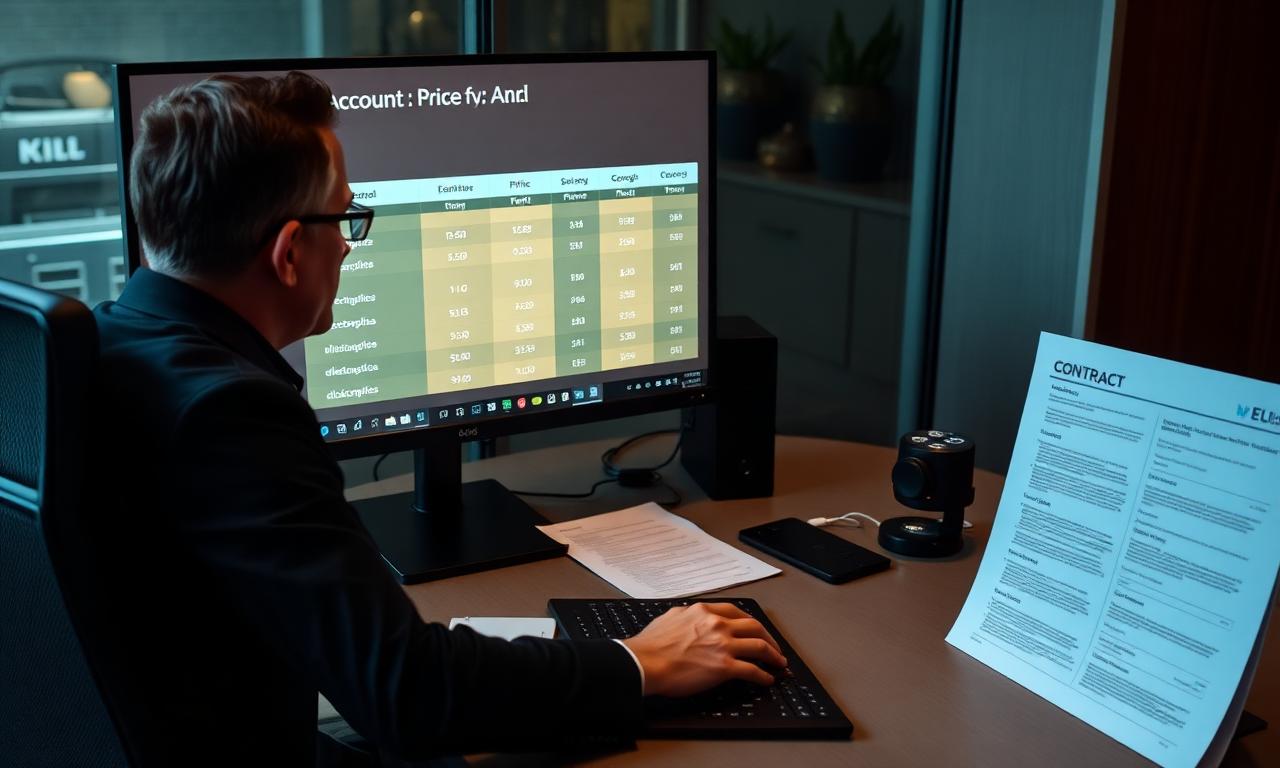
Client rate cards
Apply different sell rates per customer, contract or task type.
Financial Management — questions answered.
Can we apply different rates per client?+
Yes — cost and sell rates support per-client, per-contract and per-task configurations.
Are invoices auto-generated?+
Yes. Invoices are linked directly to completed jobs the moment they're signed off.
Can we see margin per job?+
Yes — live margin visibility per job, technician and client.
What does the financial management feature do?+
It links the operational work your team does in the field to the financial side of the business. Jobs, parts, contracts and SLAs feed into quoting, invoicing and reporting, so the numbers your finance team works with reflect what has actually happened on the ground.
Can I generate quotes and invoices from completed jobs?+
Yes. Quotes and invoices can be generated from job and contract data captured in the platform — pulling in the right rates, parts, labour and contractual terms so billing is accurate and consistent.
Does it replace my accounting system?+
No. WorkWide Mobile's financial management is designed to work alongside your accounting or ERP system through integrations. The platform handles the operational and billing data; your accounting system remains your system of record for ledgers, tax and statutory reporting.
How does this help reduce billing disputes?+
Because invoices are built from real, captured job evidence — completed work, signed job cards, parts used, time on site and contractual rates — there is a clear audit trail behind every charge. That makes disputes easier to resolve and, over time, less frequent.
What financial visibility does it give managers?+
Managers can see job profitability, contract performance, recoverable parts and labour, and trends in billing and revenue — turning operational activity into financial insight that supports better pricing, resourcing and commercial decisions.
Teams using financial management
See Financial Management live in your operation.
Book a call and we'll show you exactly how this works for your teams, sites and customers.
Related capabilities
Ready to get started?
Book a call and see WorkWide Mobile in action.