
Task & Job Management
Create, prioritise, assign and resolve tasks digitally.

Built to make task & job management effortless.
WorkWide gives you complete control over how work is created, assigned, managed and executed across your field workforce. Assign tasks from the web console or mobile app, use intelligent auto-assignment based on priority, skillset, location, workload, availability and boot stock, and track every job through customisable statuses and roadblock reasons so managers can resolve delays faster. Desk-based users complete tasks via the web while mobile teams execute work in the field using digital job cards.
Key Benefits
- Intelligent auto-assignment by priority, skillset, location and workload
- Customisable statuses and roadblock reasons to resolve delays faster
- Web console for desk users, mobile app with digital job cards for the field
- Full audit trail from job creation through resolution
Managing field teams becomes difficult when jobs, updates, assets, customer information and paperwork are spread across different systems.
WorkWide Mobile gives your business a connected job management software solution built for mobile workforce operations. From service calls and deliveries to installations, inspections and maintenance tasks, your teams can create, assign, prioritise and track work from one platform.
Our job management system helps office teams stay in control while field workers get the information they need to complete work accurately, efficiently and on time.
With digital job cards, real-time updates, mobile task management and field data capture, WorkWide Mobile gives your business a better way to manage every job from request to completion.
Job Management Built for Field Teams
Field work does not happen behind a desk.
Your teams need access to job information while they are on the move, on-site, between locations, or working in areas where fast decisions matter. WorkWide Mobile is designed for exactly this environment.
Our job management software helps businesses manage work across mobile teams, service departments, installations, deliveries and maintenance operations. Instead of relying on manual job sheets, spreadsheets, phone calls and disconnected updates, your team can manage work through a structured digital process.
Every job can be created, assigned, updated and monitored in one connected system. This gives managers better visibility, field teams clearer instructions and customers a smoother service experience.
Manage Every Job from the Field to the Office
WorkWide Mobile helps your business connect the office and the field through a practical job management system built around digital job cards.
Digital job cards give your team a structured way to manage each task. Job details, customer information, site requirements, priority levels, status updates and supporting evidence can all be captured in one place.
Your team can use WorkWide Mobile to:
This gives your business a clear view of what has been assigned, what is in progress, what is delayed and what has been completed.
- Create and assign jobs
- Prioritise tasks by status
- Monitor job progress remotely
- Update job information from the field
- Capture on-site data
- Upload photos and supporting files
- Collect electronic signatures
- Track work completed by field teams
Digital Job Cards for Better Task Control
Paper-based job cards slow teams down and make it harder to track progress.
WorkWide Mobile replaces manual job cards with digital job cards that are easier to assign, update and manage. Each job card can carry the information your field worker needs, including task details, customer information, location data, asset records, required actions and supporting documentation.
As the job progresses, updates can be captured directly from the mobile app. This helps reduce delays between the field and the office, while giving managers a more accurate view of work being completed.
For businesses managing multiple teams, locations or service types, this creates a more reliable way to control job flow.
Key Features of Our Job Management System
WorkWide Mobile is built to support the full job lifecycle, from task creation through to completion and reporting.
Real-Time Field Updates
Field teams can update job progress from wherever they are working. This helps office teams monitor activity without needing constant phone calls or manual check-ins. Real-time updates give managers better visibility across daily operations and help teams respond faster when priorities change.
Notifications and Alerts
Important updates should not get lost. WorkWide Mobile supports notifications and alerts that help teams stay informed about new assignments, status changes, urgent tasks and job activity. This improves communication between dispatchers, managers and mobile workers.
Task Assignment and Prioritisation
Assign work to the right person, prioritise urgent jobs and monitor each task by status. This makes it easier to manage workloads, avoid missed jobs and keep field teams focused on the work that matters most.
On-Site Data Capture
Field workers can capture the information needed to complete and verify work while they are on-site. This can include notes, forms, checklists, service details, customer confirmations and supporting job evidence.
Multimedia Uploads
Photos and files can be added to job records, giving office teams and customers clearer proof of work completed. This is useful for inspections, maintenance work, installations, damage reports, service checks and compliance-related tasks.
Barcode Scanning
Barcode scanning helps teams connect job activity with assets, parts and equipment. This supports better asset handling and can reduce errors when identifying equipment, stock or site-specific items linked to a job.
Electronic Signatures
Electronic signatures make it easier to confirm work completed, customer approval or site sign-off. This reduces paperwork and helps keep documentation connected to the relevant job record.
Geolocated Photographic Evidence
WorkWide Mobile supports geolocated photographic evidence, helping your business confirm where work was completed and giving teams stronger supporting records for each job. This is especially valuable for field service, inspections, maintenance and remote workforce operations.
More Than Job Management
WorkWide Mobile is more than a basic job management software platform. It forms part of a wider mobile workforce management solution that connects jobs with service delivery, assets, inventory, contracts and reporting.
This means your job management system can support wider operational workflows, including:
By connecting these areas, WorkWide Mobile helps your business move away from disconnected tools and towards one operational platform.
- Service dispatch
- Work order management
- Asset tracking
- Inventory management
- Service contract management
- Remote support
- Route optimisation
- Offline mode
- User tracking
- Mobile task creation
Why Businesses Use WorkWide Mobile
Improved Efficiency and Productivity
When jobs are easier to create, assign, track and complete, your teams can work more efficiently. WorkWide Mobile helps reduce unnecessary admin, improve task visibility and give field workers better access to the information they need.
Less Manual Admin
Manual paperwork, repeated data entry and disconnected updates create delays. A digital job management system helps reduce admin by keeping job records, updates, evidence and approvals in one place.
Real-Time Visibility
Managers need to know what is happening across the field. WorkWide Mobile gives your business better visibility of job progress, technician activity, task status and service delivery performance.
Better Customer Satisfaction
When teams are organised, informed and responsive, customers receive a better service experience. WorkWide Mobile helps your business respond faster, complete work more accurately and keep service delivery moving.
Built for Mobile Workforce Teams
WorkWide Mobile is ideal for businesses that manage people, jobs and assets across multiple locations.
This includes:
Whether your business manages a small field team or a large distributed workforce, WorkWide Mobile gives you a practical job management software solution that can support your day-to-day operations.
- Field service teams
- Delivery operations
- Installation teams
- Facilities management businesses
- Telecommunications teams
- Security operations
- Mining operations
- Maintenance teams
- Inspection teams
- Businesses managing mobile workforces at scale
Curious?
Want to find out how WorkWide can benefit your business?
Request a demo today and see how our job management system can help your team manage digital job cards, track work in real time, improve field visibility and run mobile workforce operations from one connected platform.
Book a demo and discover how WorkWide Mobile makes job management simpler, smarter and easier to control.
Measured impact across WorkWide Mobile customer deployments.
Measured impact across WorkWide Mobile customer deployments.
Measured impact across WorkWide Mobile customer deployments.
Where teams put Task & Job Management to work.

Reactive call-outs
Log an inbound issue, auto-assign by skill and proximity, and dispatch in under a minute.
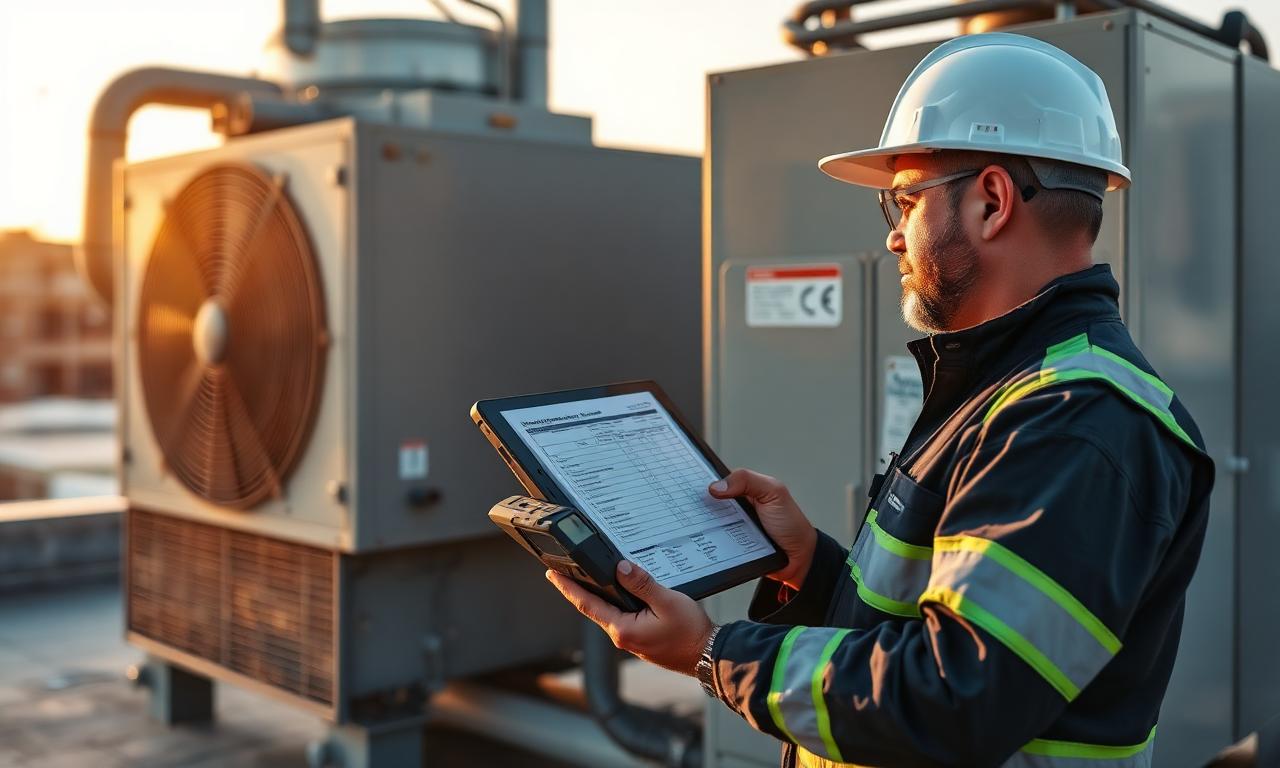
Planned maintenance
Generate recurring jobs from asset schedules and watch them flow through customisable statuses.
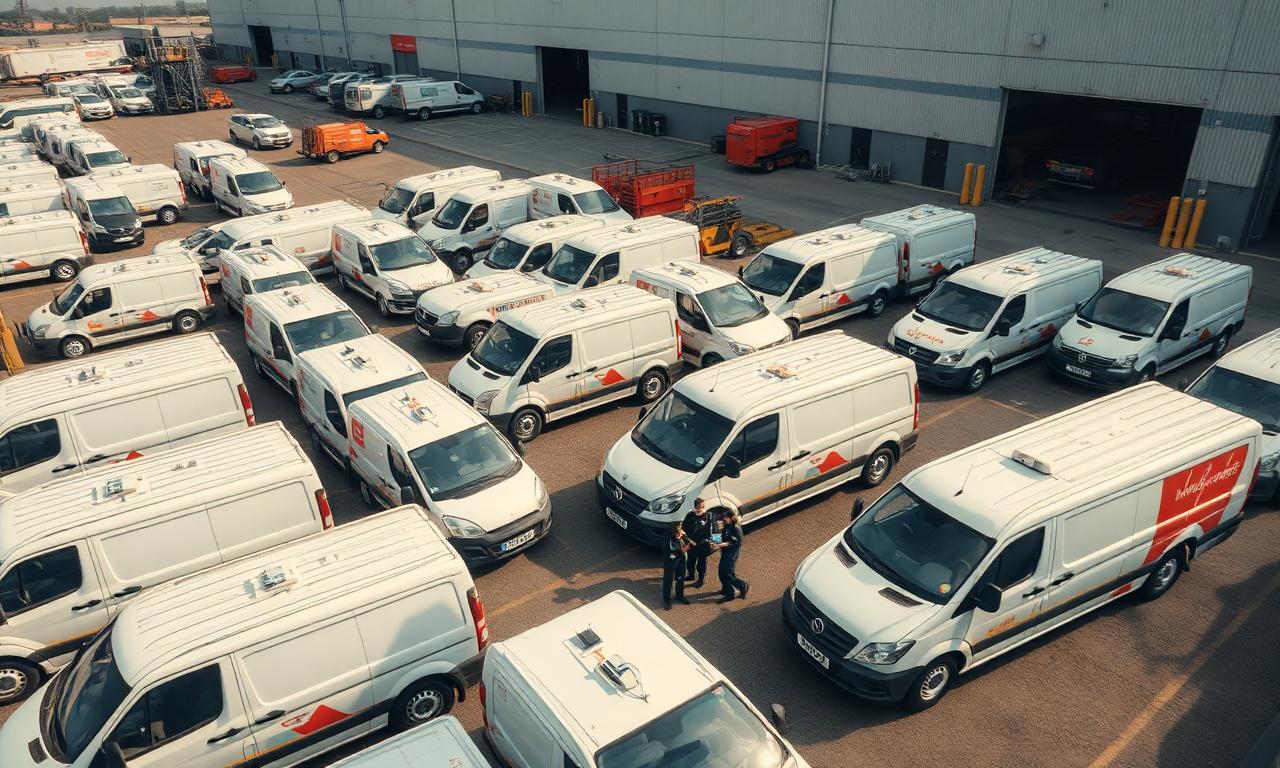
Multi-team projects
Track complex jobs spanning multiple technicians, sites and roadblock reasons with one timeline.
Task & Job Management — questions answered.
Can we customise our own job card fields?+
Yes — every job card is fully configurable to match your processes and reporting needs.
How are jobs auto-assigned?+
By any combination of priority, skillset, location, workload, availability and boot stock.
Can desk-based users complete tasks too?+
Yes. Desk users work in the web console while field teams use the mobile app.
What is job management software?+
Job management software is a digital system that helps your business create, assign, prioritise and track work across office teams and field workers. WorkWide Mobile replaces paper job cards, spreadsheets and disconnected phone calls with one connected platform — so every job is visible from request through to completion.
How do digital job cards work in WorkWide Mobile?+
Each digital job card carries the task details, customer information, location data, asset records, required actions and supporting documentation your field worker needs. Technicians update progress, capture photos, collect signatures and submit completed work from their phone — and the office sees those updates in real time.
Can field teams use the job management app offline?+
Yes. WorkWide Mobile is built for mobile workforces operating across sites, depots and customer locations — including areas with limited connectivity. Technicians can keep working, capture data and update job cards offline, and the platform syncs everything once a connection is available.
Does job management connect to scheduling, assets and invoicing?+
Yes. Job management is part of one connected mobile workforce platform. Jobs link directly to scheduling and dispatch, asset records, parts and inventory, customer service tickets, contracts and financial management — so you do not run separate disconnected systems for each part of the operation.
How does it improve service delivery?+
By giving managers clear visibility of what is assigned, in progress, delayed and completed, and giving field workers structured information on each task, WorkWide Mobile reduces miscommunication, missed work and rework. Teams complete more jobs accurately the first time, and customers get a smoother, more predictable service experience.
Customer stories featuring this
Field Service Management & Workforce Optimization for a leading South African office automation provider
Digitizing technician dispatch, real-time visibility, and first-time resolution to eliminate repeat callouts and boost margins.
Read story TelecommunicationsIntegrated Field Operations & Service Management for a major telecommunications infrastructure provider
Streamlining wireless and fibre task workflows from incident to invoicing, delivering real-time visibility, cross-team coordination, and centralized SLA reporting.
Read storySee Task & Job Management live in your operation.
Book a call and we'll show you exactly how this works for your teams, sites and customers.
Related capabilities
Scheduling & Dispatch
Schedule by availability, skillset or location with a full calendar view.
Learn moreMapping, GPS & User Tracking
Real-time geo-location and travel-time visibility for every worker.
Learn moreRoute Optimisation & ETA
Automated route planning, tracking and real-time travel data.
Learn moreReady to get started?
Book a call and see WorkWide Mobile in action.