
License Disc Scanning
Capture vehicle licence details instantly from your phone.
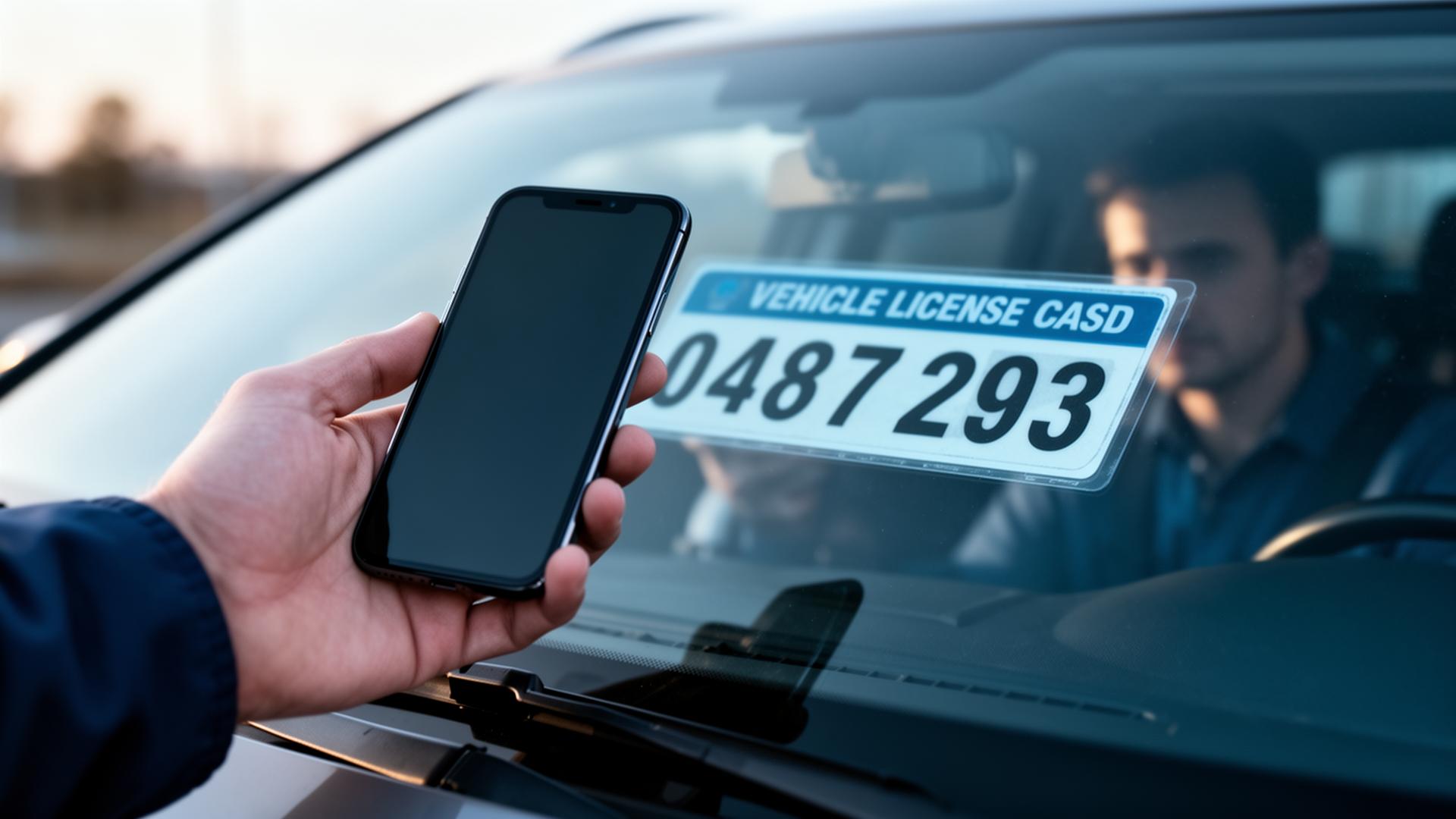
Built to make license disc scanning effortless.
Effortlessly capture important details from a vehicle's license disc using your mobile device. All data is electronically processed and stored, so you can retrieve it whenever you need to — no more manual data entry or risk of errors.
Key Benefits
- Scan a vehicle licence disc from any smartphone camera
- Auto-extract registration, VIN, make, model and expiry
- Electronically process and store every record
- Eliminate manual data entry and capture errors
Capturing vehicle information by hand is slow, error-prone and frustrating — especially when teams are working through multiple vehicles in a day. Registration numbers get mistyped, VINs are misread and details have to be re-entered later from scribbled notes.
WorkWide Mobile gives your business license disc scanning built into the mobile app. Technicians and field staff can scan a vehicle's license disc with the device camera, and the platform automatically extracts and stores the key details.
That removes manual data entry from the workflow and gives your operation a clean, structured record of every vehicle handled — ready to link to jobs, assets, customers and reporting.
Capture Vehicle Details Instantly from a Phone
WorkWide Mobile's license disc scanning uses the device camera to capture vehicle information in seconds. Registration number, VIN, make, model, colour and expiry date are read directly from the disc and stored against the relevant job, asset or customer record.
No typing, no transcription errors, no waiting until later to update the system.
- Scan license discs directly from the mobile app
- Automatic capture of registration, VIN, make and model
- Capture vehicle colour and license expiry date
- Eliminate manual data entry and typos
- Faster intake of vehicles into the system
Link Vehicles to Jobs, Assets and Customers
A scanned license disc is only useful if it connects to the rest of the operation. WorkWide Mobile attaches captured vehicle data to the job, asset or customer record it relates to — so vehicles are part of the same connected dataset as everything else your team manages.
That makes it easy to retrieve vehicle history, see which assets are linked to which vehicles, and report on activity at a vehicle, customer or site level.
Better Accuracy, Better Audit Trail
Manual data entry produces errors that are hard to spot and harder to fix. Wrong registration numbers, mistyped VINs and missing details quietly degrade the quality of your records over time.
License disc scanning gives your business a more accurate audit trail by capturing structured data straight from the source. That improves reporting, supports compliance work and makes downstream processes — billing, warranty, fleet management — far more reliable.
- Structured, accurate vehicle data at source
- Stronger audit trail for compliance and reporting
- Reliable input for billing and warranty workflows
- Cleaner fleet and asset records over time
Practical Across Industries
License disc scanning is useful anywhere vehicles flow through a service operation — automotive service centres, insurance assessors, fleet managers, mining site access, security gatehouses and field service teams visiting customer sites with multiple vehicles on-site.
Because the capability is built into the same WorkWide Mobile app your team already uses, there is no extra device, no extra login and no additional workflow to learn.
Measured impact across WorkWide Mobile customer deployments.
Measured impact across WorkWide Mobile customer deployments.
Measured impact across WorkWide Mobile customer deployments.
Where teams put License Disc Scanning to work.

Fleet onboarding
Scan a disc to register a new vehicle in seconds.
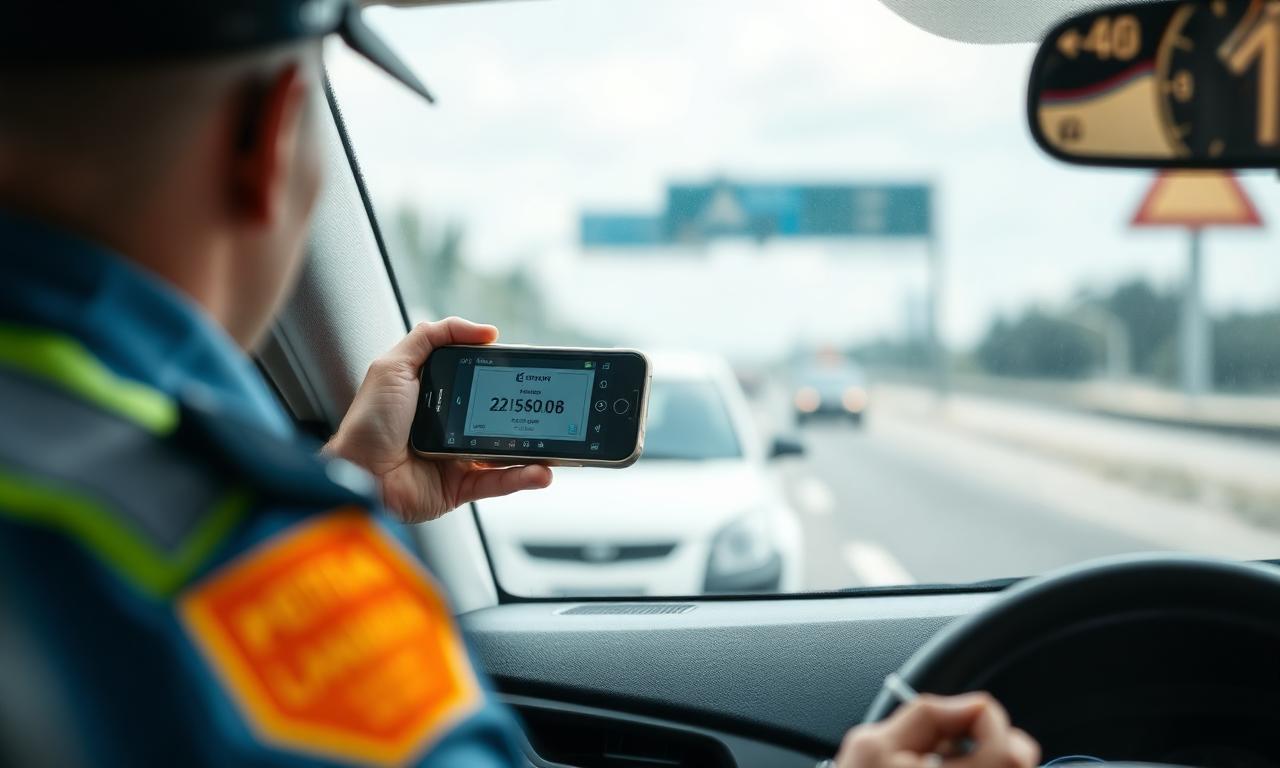
Roadside inspections
Capture and validate vehicle details on site, instantly.
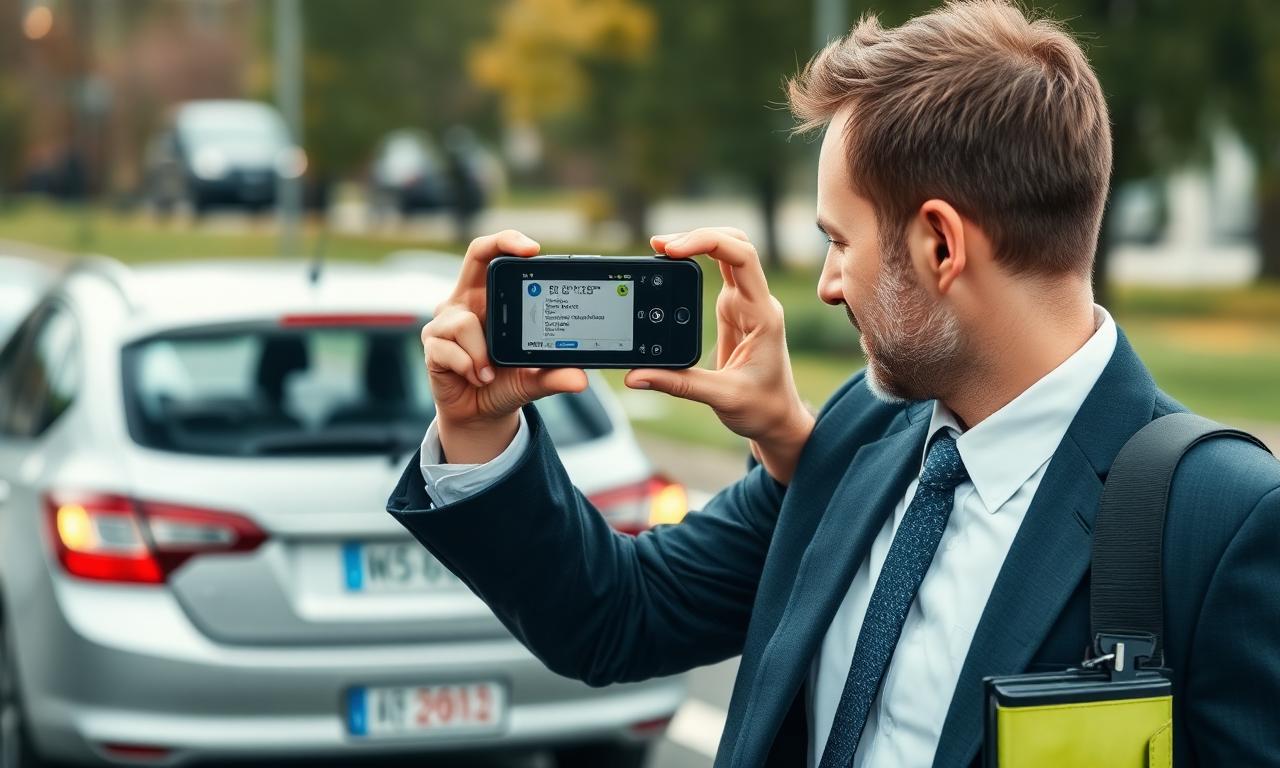
Insurance assessments
Pull accurate vehicle data into claim records without typing.
License Disc Scanning — questions answered.
What devices does it work on?+
Any modern smartphone camera, through the WorkWide mobile app.
How accurate is the capture?+
Highly accurate — over 99% in normal lighting conditions.
Where is captured data stored?+
Securely in WorkWide, linked to the relevant asset, job or claim record.
What information does license disc scanning capture?+
The scanner captures the key fields printed on the license disc — including registration number, VIN, make, model, colour and expiry date — and stores them as structured data against the relevant record.
Do I need special hardware to use it?+
No. License disc scanning runs on the standard WorkWide Mobile app using the device camera, so any supported smartphone or tablet your technicians already carry can use it.
Can scanned vehicles be linked to jobs and customers?+
Yes. Captured vehicle data attaches to the relevant job, asset or customer record, so vehicles become part of the same connected dataset as everything else in WorkWide.
Does it work offline?+
Yes. Scans can be captured offline along with other job card data and sync automatically when the device reconnects, in line with WorkWide Mobile's offline mode.
Which industries get the most value from this?+
Automotive service, insurance assessing, fleet management, mining site access, security and field service operations that handle multiple vehicles per day all benefit from removing manual vehicle data entry.
See License Disc Scanning live in your operation.
Book a call and we'll show you exactly how this works for your teams, sites and customers.
Related capabilities
Ready to get started?
Book a call and see WorkWide Mobile in action.