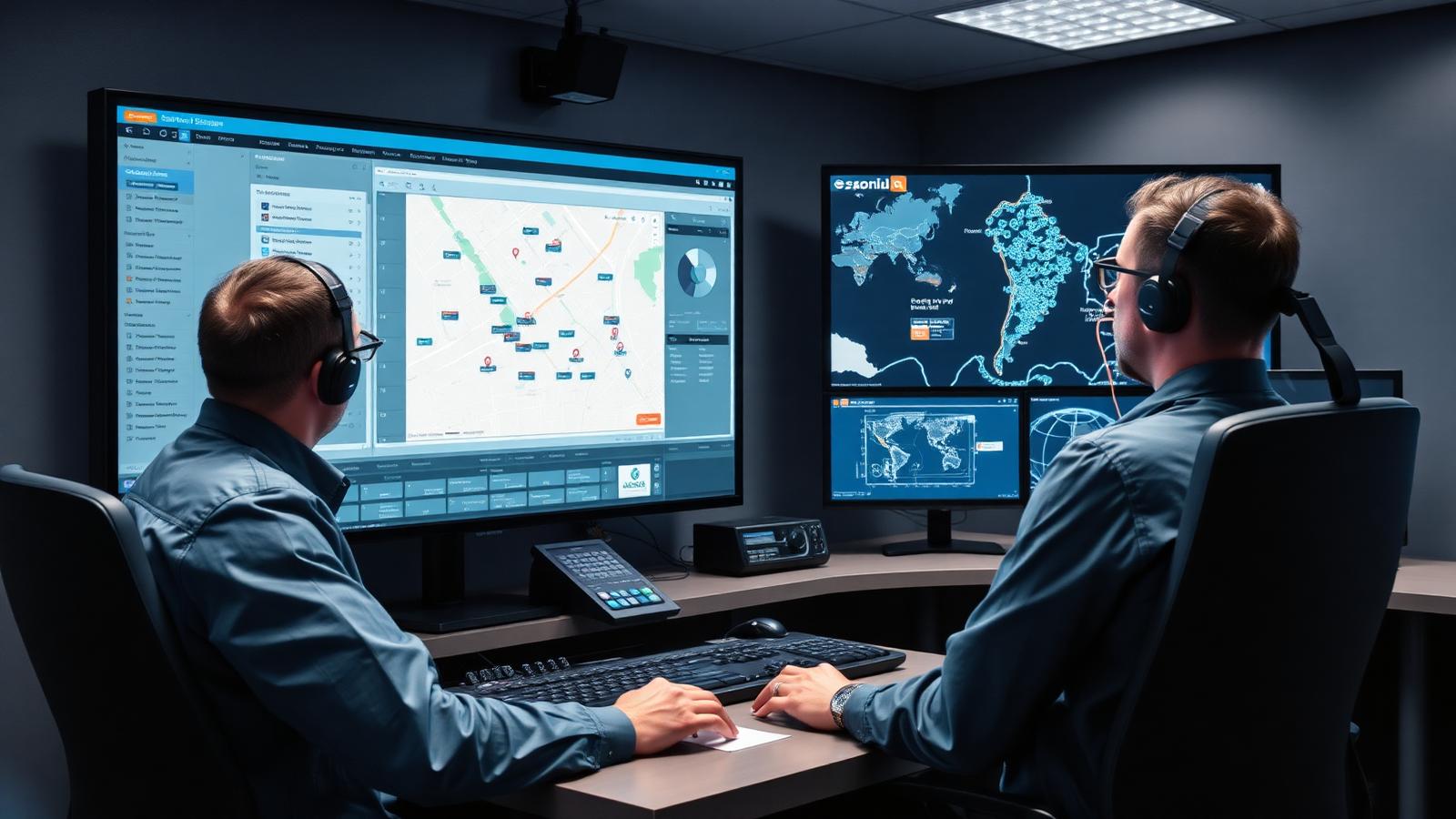
Field service reporting software should do more than produce charts. That sounds obvious, yet many businesses still end up with reporting tools that show numbers without helping anyone understand the operation behind them. A dashboard can look polished and still tell you very little if the data is delayed, disconnected, or missing the context needed to act on it.
That is why the best field service reporting software starts with workflow connection. Reporting only becomes useful when it is tied directly to how jobs are created, assigned, completed, and signed off in the real world. If the reporting layer sits too far away from the actual work, the business ends up measuring fragments rather than performance.
One of the first things to look for is real-time visibility. Field operations change throughout the day. Jobs move forward, technicians run late, customer approvals come in, and priorities shift. Reporting that depends on late manual exports or end-of-day data dumps cannot support live decisions very well. Useful reporting and real-time analytics help managers see what is happening while the day is still unfolding, not only after the problems have already hardened into complaints.
Proof of work is another essential area. Service businesses often need more than completion counts. They need to know what happened on-site and have evidence to support it. That can include notes, photos, timestamps, signatures, and job-level records that show the task was completed properly. Reporting software is much more valuable when it can surface that evidence alongside performance data instead of forcing users to hunt through separate systems. That is where connected task and job management strengthens the reporting layer.
Customisation matters too, though it should be approached sensibly. Every service business tracks a slightly different mix of priorities. One team may care deeply about response time and SLA pressure. Another may focus on first-time fix performance, technician activity, or recurring maintenance completion. A good reporting setup should let the business shape the view around what really matters, rather than forcing every team into one generic template.
Exports and sharing still matter as well. Not because spreadsheets are the ideal end state, but because service data often needs to move into stakeholder reviews, customer updates, or management packs. Reporting software should make that easy without reducing everything to clumsy manual work. If exporting is painful, teams create side processes, and once that happens the reporting environment becomes less trusted.
Another thing to look for is direct alignment with the field workflow. Can the reporting pull from job management, customer service activity, and SLA management without heavy manual effort? Can managers move from an issue on the dashboard to the underlying job record quickly? That connection is where reporting becomes operational instead of decorative.
A common mistake is choosing reporting software that looks good in a demo but depends on disconnected data behind the scenes. The dashboards may seem impressive until the first serious review meeting, when the room starts asking practical questions. Why does this number not match the field update? Where is the evidence behind this completed job? Why is the SLA report late? Good reporting tools reduce those moments. Weak ones create them.
It is also worth watching for user adoption. A reporting platform only works if the data going into it is captured consistently. That brings you back to the field workflow again. If technicians and managers can update the operational system easily, reporting quality improves naturally. If data capture feels burdensome or disconnected from the job, report quality declines no matter how advanced the dashboard looks. That is also why connected customer service management improves the value of reporting when service teams need broader context around cases, communication, and performance.
The strongest reporting software helps businesses answer operational questions with confidence. What is slipping? Where is demand building? Which commitments are under pressure? Which teams are performing well, and why? Those answers should not take a manual investigation every time.
Field service reporting matters because the business cannot improve what it cannot see clearly. Yet visibility is not just about more numbers. It is about better connection between the work in the field and the decisions made in the office. That is what you should look for first. Everything else is secondary.