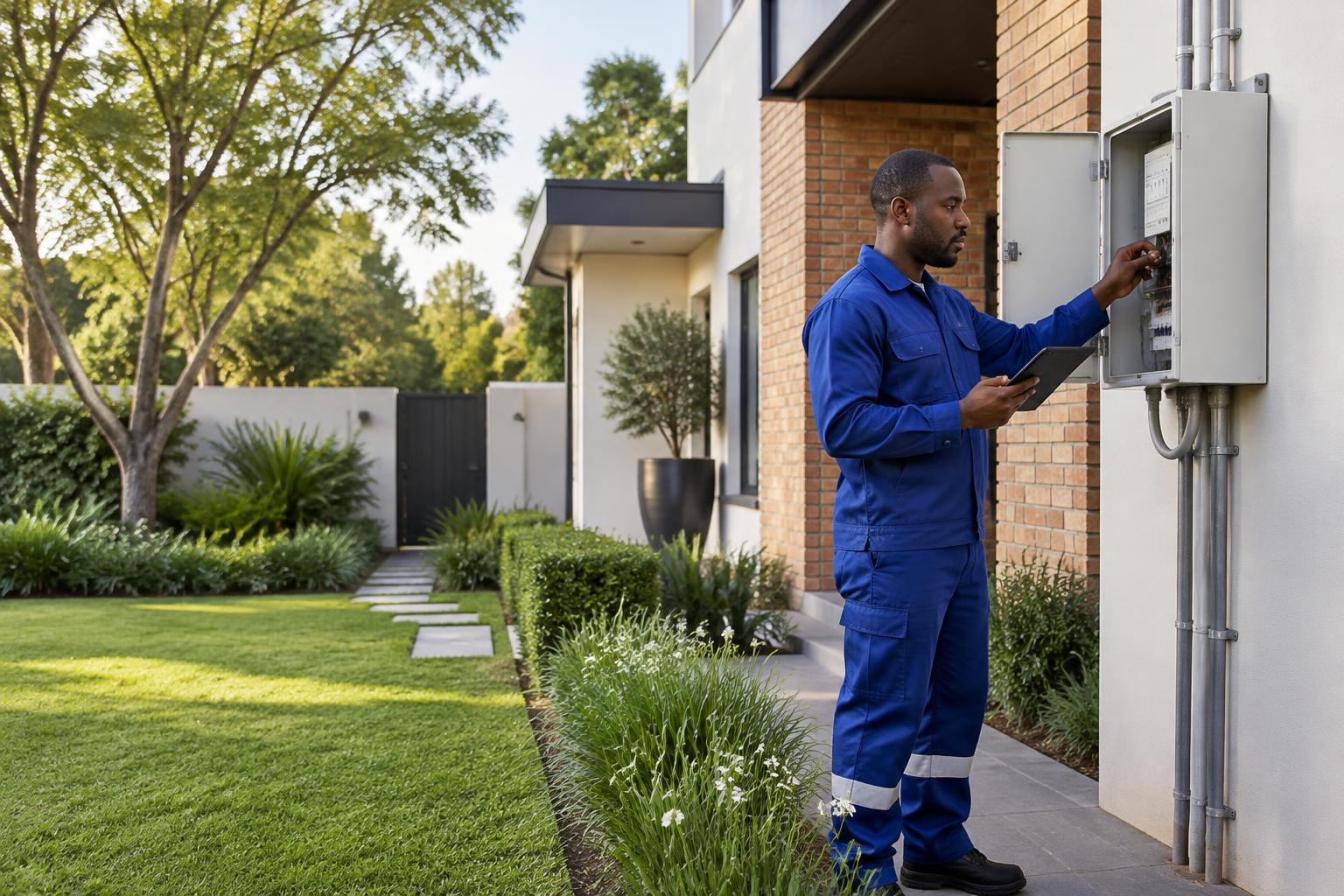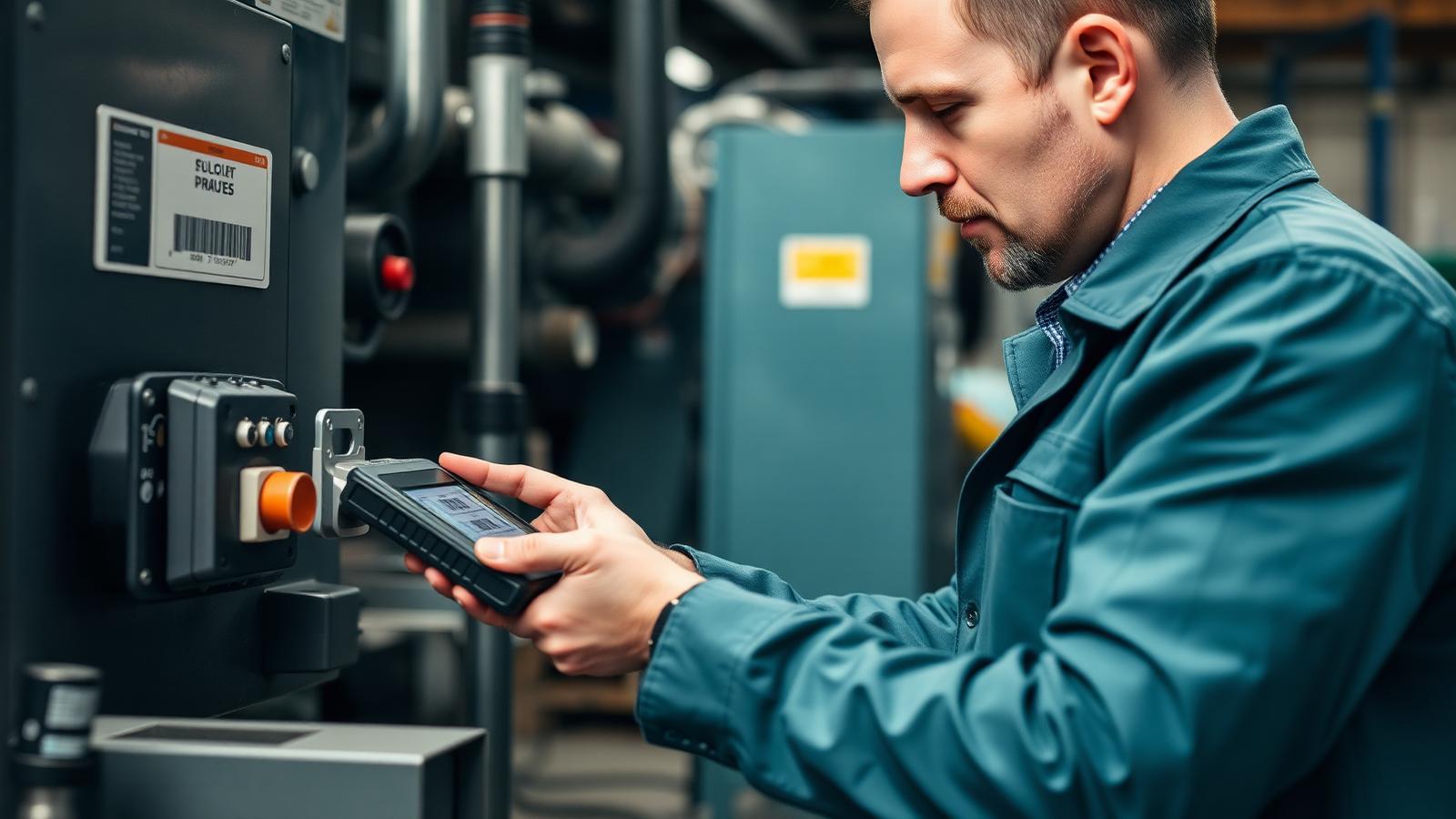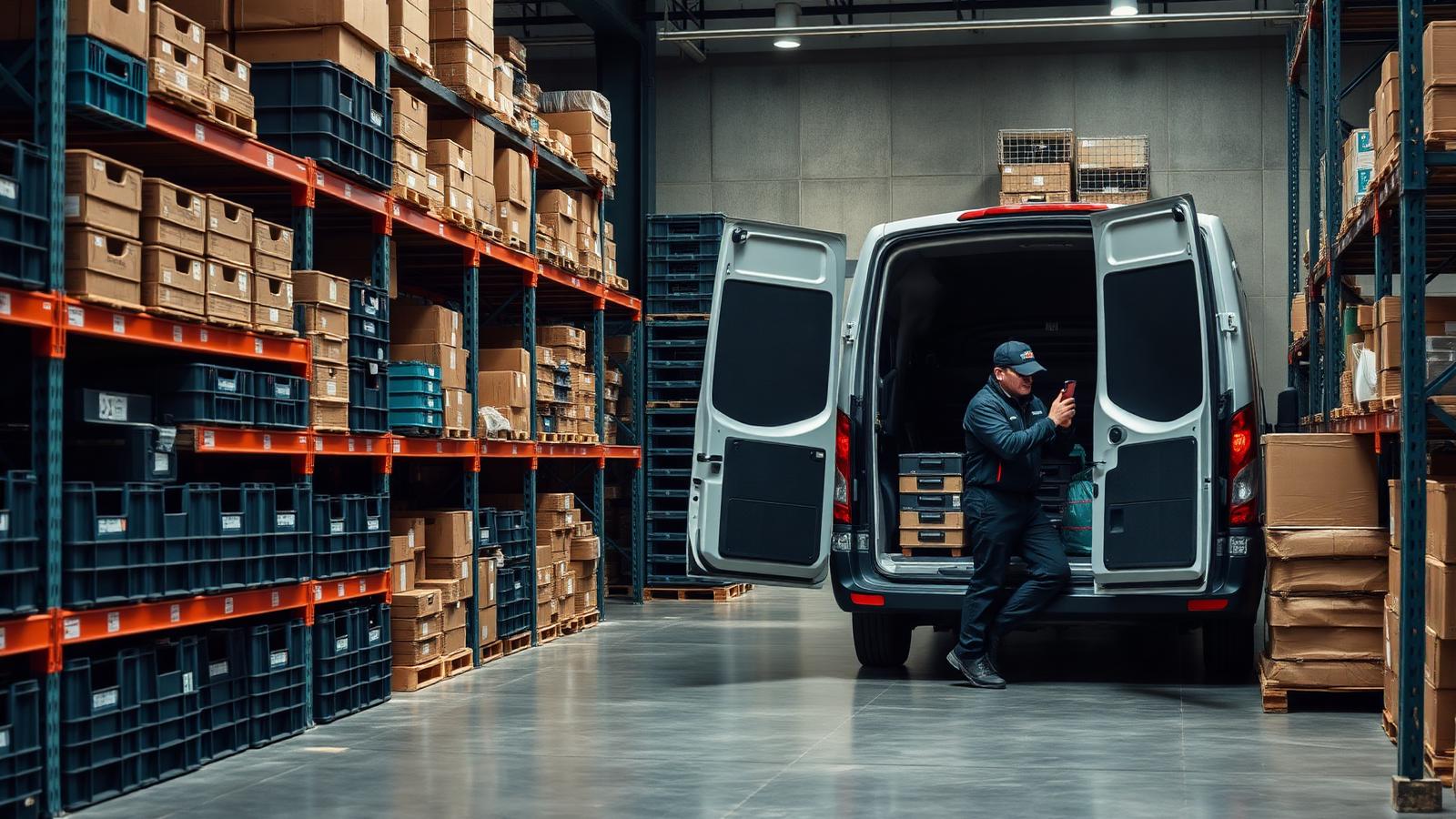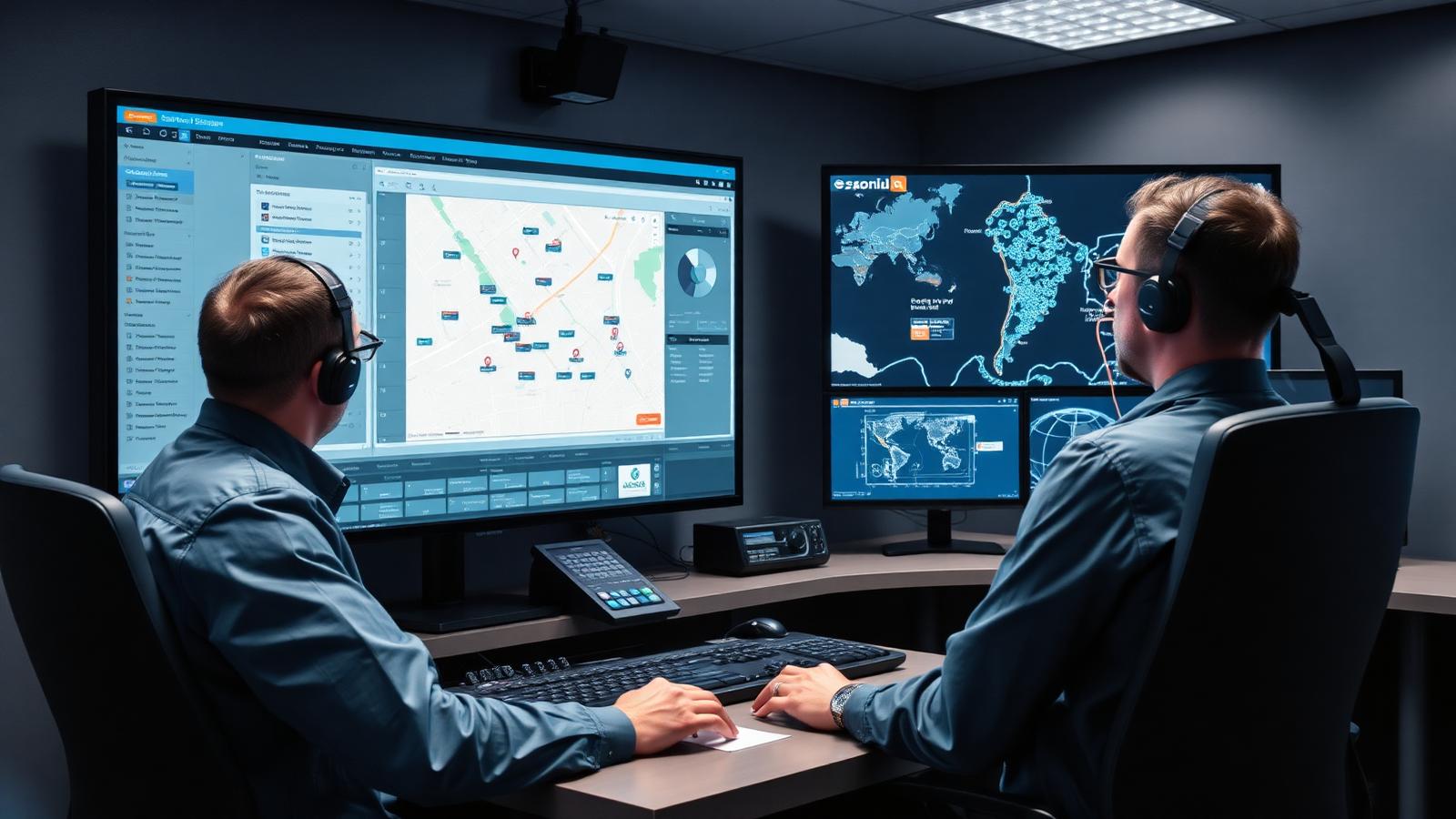
A dispatcher's job sounds simple until you watch one do it for an hour. Match the right technician to the right job, account for skills, location and current workload, then adjust everything the moment a job runs long or an emergency call comes in. Dispatch management software exists to make that process faster and less error-prone, but on its own it only solves part of a field service operation. This piece covers what dispatch software does, and why it works best as one piece of a larger mobile workforce platform rather than a tool bought and run in isolation.
What Is Dispatch Management Software?
Dispatch management software helps service teams plan, schedule and track the resources needed for field service work. It automates the process of matching a job to a technician based on factors like location, skill set and availability, then keeps that assignment updated as conditions change through the day. Before software took over this job, a dispatcher ran the same process on a whiteboard or a spreadsheet, working from memory and phone calls to piece together who was free and where they were. That approach holds up with five technicians. It falls apart with fifty.
Field service teams lean on dispatch software because customer expectations keep rising while the workload on mobile teams keeps growing with them. A dispatcher using a proper system gets a real-time view of every technician's status and location, rather than relying on radio check-ins or phone calls to work out who's free. Reassigning a job mid-morning becomes a quick reshuffle instead of a dispatcher calling round every technician on the roster to find out who can take it.
Core Capabilities of Dispatch Management Software
Most dispatch platforms are built around three connected functions, and how well each one works determines whether the software saves a dispatcher time or just moves the same manual effort into a new interface.
Real-Time Scheduling and Resource Allocation
A dispatcher needs a live view of the mobile workforce to make good assignment decisions. That means seeing which technicians are free, which are still finishing a previous job, and which have the specific skill a new request needs, all updated as the day unfolds rather than fixed at the start of a shift. A technician who's running forty minutes behind on their current job shouldn't still show as "available at 2pm" in the system a dispatcher is working from.
Priority-based auto-assignment can handle routine allocation on its own, factoring in skillset, availability and even what stock is loaded on a technician's van, leaving a human dispatcher to step in for the jobs that need judgement: an emergency call-out, a difficult customer, a technician who's already at capacity even though the system says otherwise. Good automation frees a dispatcher from spending the whole day on decisions a rule could make faster, rather than replacing them.
Route Optimisation
Sending the nearest available technician sounds obvious until you factor in traffic, appointment windows and the sequence of jobs already on someone's schedule. A technician who's geographically closest but has three stops ahead of this one on their route can end up the slower option. Route optimisation weighs all of that together, cutting travel time and fitting more completed jobs into a working day without technicians racing between appointments or arriving late because the plan didn't account for a school pickup rush on the route.
Good route optimisation also adapts mid-day rather than only planning at the start of the shift. A job that runs over, a last-minute emergency, a technician calling in sick, all of these should trigger a re-plan across the remaining jobs rather than leaving a dispatcher to manually work out who absorbs the disruption.
Communication Between Dispatchers and Field Teams
Assignment only works if the technician receives the update. Real-time communication keeps job details, customer information and route changes flowing to the field the moment something shifts, so a technician isn't working from an outdated job card while the office has already moved on to a different plan. That includes the reverse direction too: a technician who hits a complication on site, a part that doesn't fit, access they can't get, needs a fast way to flag it back to the dispatcher rather than finishing the call and reporting it hours later when the day's already moved on.
How a Dispatch Operation Flows, From Request to Job Close
A service request comes in, and a dispatcher matches it against three factors: does the technician have the right skill for the issue, are they close enough to reach the site within a reasonable window, and do they have capacity in their current schedule. Get the skill match wrong and you end up with a repeat visit, which research on field service performance consistently ties to the gap between top performers and everyone else.
Once a job is assigned, the technician heads to site with the details already on their device. As work progresses, status updates flow back to the dispatcher and, where relevant, to the customer, who gets an accurate arrival window instead of a vague "sometime this afternoon." When something changes mid-route, a job runs long, a higher-priority call comes in, the system reflects it immediately rather than requiring a phone call to reshuffle the day manually. The job closes with documentation attached: signatures, photos, notes, whatever the business needs for invoicing and compliance. Digital job cards usually sit at this end of the process, turning the dispatch record into proof of completed work rather than a separate paper trail.
Why Standalone Dispatch Tools Fall Short
A dispatch tool bought on its own can assign a job and track a technician's location, but it can't see whether the technician has the parts on their van to finish the work. It can't tell a dispatcher that a piece of equipment at the job site is overdue for maintenance, or pull up the asset's service history before the technician arrives. It tracks the assignment, not the operation the assignment is part of.
That gap shows up hardest around SLAs. A dispatcher can send the nearest available technician and still miss a service window if nobody's tracking how close that job is to breaching its deadline. Fixing that usually takes tighter integration between dispatch, tracking and reporting than a standalone tool provides on its own, which is exactly the territory our piece on reducing missed SLAs in field service walks through.
How Dispatch Fits Into a Complete Mobile Workforce Platform
Dispatch works best as one connected piece of a broader system rather than a bolt-on tool. With dispatch, job management, parts inventory and reporting all sitting inside the same platform, a dispatcher assigning a job can see in the same screen whether the technician's van is stocked for it, whether the asset at the site has an open maintenance flag, and whether the job is at risk of breaching its SLA before it's even been accepted.
WorkWide's scheduling and dispatch feature is built into the same platform as job management, so task assignment, digital job cards and field visibility all pull from the same job record instead of three disconnected systems a dispatcher has to check separately. That's the practical version of the difference between dispatch software as a single feature and a full mobile workforce platform built around it, a distinction we cover in more depth in our comparison of workforce management software and mobile workforce management software.
Conclusion
Dispatch management software solves a real and specific problem: getting the right technician to the right job at the right time. But dispatch decisions are only as good as the information behind them, and a standalone tool rarely has visibility into parts, assets or SLA risk. Built into a connected mobile workforce platform like WorkWide Mobile, dispatch stops being an isolated feature and becomes one part of a system where scheduling, field visibility and job documentation all work from the same data.