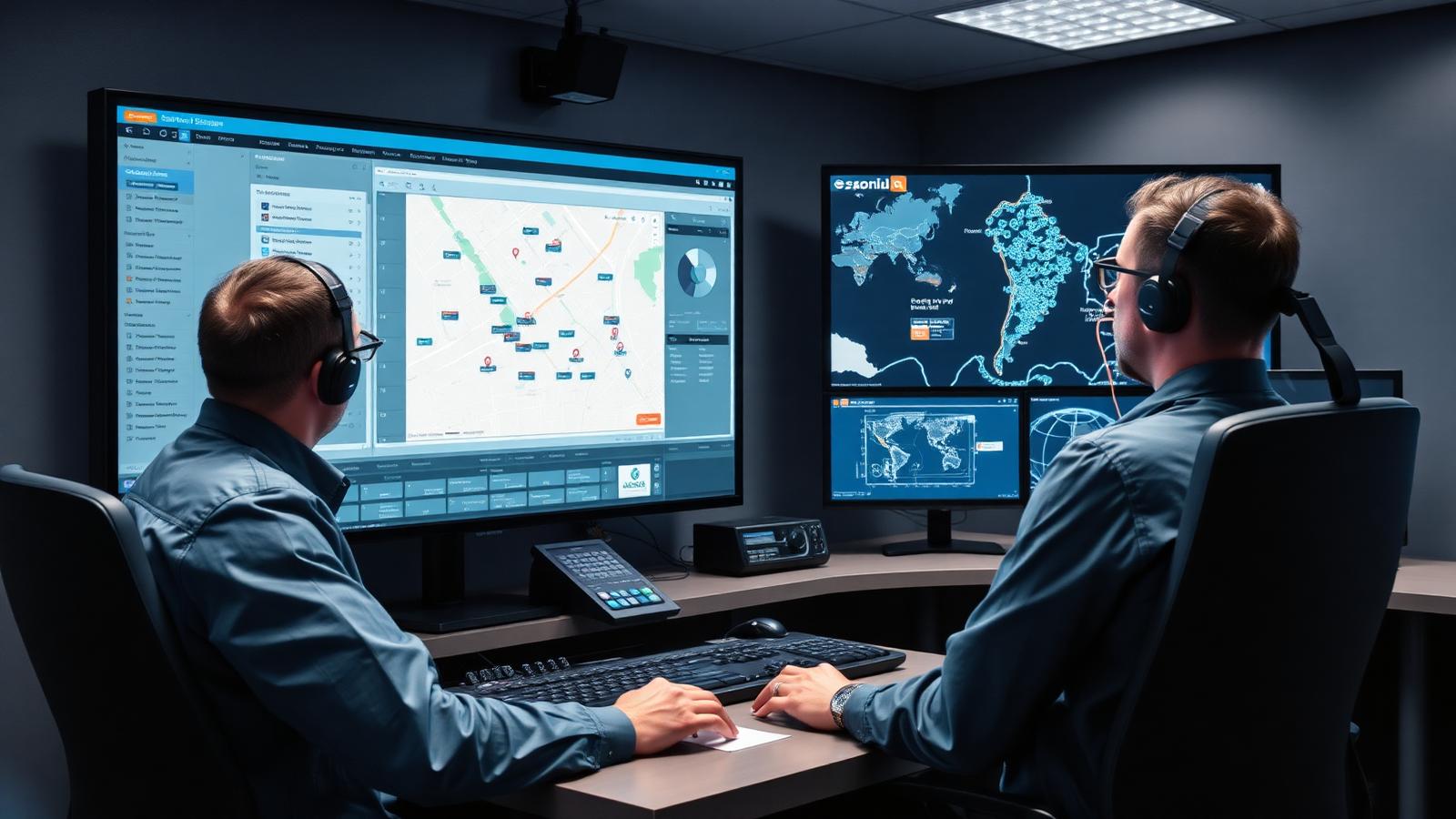
Search "workforce management software" and you'll land almost entirely on tools built for office HR teams: shift rosters, payroll sync, leave requests, compliance dashboards. None of it touches what happens once a technician leaves the building. If your team spends its day on the road, at a client site, or up on a roof, software built for punch clocks and rosters is solving a different problem than the one in front of you.
Mobile workforce management software is where that gap gets filled, and it goes well beyond the same category with a mobile app bolted on. It tracks a different kind of work, in a different kind of location, with a different set of things that go wrong. Businesses that miss the distinction end up buying a tool built for seated staff, then wondering why it can't tell them where a technician is at 2pm on a Tuesday.
Here's what separates the two, and how to work out which one your business needs.
What Is Workforce Management Software?
Workforce management software, often shortened to WFM, was built for businesses with staff who clock in at a fixed location: retail stores, call centres, warehouses, offices. Its job is to answer one question well: do you have the right number of people, with the right skills, scheduled at the right times, paid correctly for the hours they work?
Most WFM platforms centre on four things. Rostering and shift scheduling let managers build and publish schedules, assign people to roles, and cover gaps across a site or department. Time and attendance tracking captures clock-ins, breaks and overtime, usually through a biometric reader, a card swipe or a desktop login. Leave and absence management handles requests, approvals and balances. And compliance reporting flags labour law issues, like unpaid breaks or unauthorised overtime, before they become a problem.
None of that assumes anyone is moving between locations during the day. A WFM platform expects a fixed site and a predictable shift pattern, which is exactly what makes it a poor fit for a technician who visits six customer sites before lunch.
What Does Workforce Management Software Do?
Day to day, workforce management software schedules staff against demand, tracks the hours they work, and keeps a paper trail for payroll and compliance. It answers questions like who's rostered on Thursday, who's owed overtime, and whether a shift pattern breaks labour law. It doesn't, on its own, tell you where an employee is right now or what job they're busy with in the field.
What Is Mobile Workforce Management Software?
Mobile workforce management software starts from a different assumption: your people are not at a desk, and the work itself moves. Instead of a shift roster, the core unit is the job, a task with a location, a customer, and a technician assigned to complete it somewhere out in the field.
That changes what the software needs to do. Dispatch and job assignment replace the shift roster, matching the right technician to the right job based on skill, location and availability rather than a pre-set schedule. GPS and real-time location tracking give a dispatcher visibility into where every field worker is right now, not just whether they clocked in this morning. Digital job cards capture proof of work on site, including photos, signatures, checklists and notes, so a completed job has a record attached to it rather than a paper form sitting in a van. And offline functionality matters in a way it never does for office software, because a technician working in a basement or a rural site can't always rely on signal.
A platform like WorkWide's job management software is built around that job-first structure rather than a shift-first one, which is the practical difference that matters once you're comparing real tools instead of category labels.
Key Differences Between the Two
The two categories solve related problems from opposite starting points, and that shows up in three places: who they're built for, what they track, and how they handle location.
Who Each One Is Built For
Workforce management software is built for HR and operations teams managing staff who report to a fixed site: a store manager scheduling cashiers, a call centre planning agent coverage, a warehouse supervisor covering shifts. The person using the software cares about headcount, hours and cost per shift.
Mobile workforce management software is built for dispatchers and field service managers coordinating people who work at a different address every day: technicians, installers, inspectors, delivery drivers. The person using it cares about which job is next, whether the right parts are on the van, and whether the technician will make the appointment window.
Core Features Compared
A WFM platform lives and dies on its scheduling engine and its payroll integration. Everything else, the leave requests, the compliance flags, the shift-swap approvals, sits on top of that shift-based foundation. Mobile workforce management software lives and dies on dispatch accuracy and field visibility. Its equivalent core features are job assignment, route optimisation, and real-time tracking, with reporting built around jobs completed and SLAs met rather than hours clocked.
The overlap is smaller than the names suggest. Both track time in some form, and both produce reports for management. But a WFM platform has no real concept of a job location changing hour to hour, and a mobile workforce platform has little use for a nine-to-five shift roster. Trying to force one to do the other's job usually means bolting on a second tool anyway, which defeats the point of buying software to simplify operations in the first place.
Signs You Need Mobile Workforce Management Software
A few patterns show up again and again in businesses that have outgrown a standard WFM tool, or never should have bought one in the first place. If your team works from job addresses rather than a single site, and a manager can't answer "where is this technician right now" without a phone call, that's the clearest signal. If proof of work still lives on paper job cards or in a technician's memory rather than a photo and a signature captured on site, you're carrying risk that a digital job card would remove.
Parts and inventory are another tell. Technicians running out of stock mid-job because nobody could see what was loaded on the van that morning points to a field visibility problem, not a scheduling one. And if SLA tracking depends on someone manually cross-checking arrival times against a spreadsheet instead of the system flagging a late job automatically, the software you're using was never designed for the kind of work you're doing.
How to Choose the Right Fit for Your Team
Start with where your people spend the day. If your staff clock in at one location and stay there for the shift, a workforce management platform built around rostering and time and attendance is the right tool, and adding field-specific features would only add cost without solving a problem you have.
If your team's day is built around jobs rather than shifts, technicians moving between customer sites, each visit needing its own record, parts and equipment following the work rather than sitting in one warehouse, a mobile workforce management platform is the better starting point. Look for dispatch and scheduling that accounts for location and skill, GPS tracking that updates in real time rather than on a delay, and offline support so a technician working somewhere without signal doesn't lose the job card they're filling in.
Some businesses need a mix of both, particularly larger operations with an office-based team and a separate field team. In that case, the real question is whether the two systems can talk to each other, or whether one connected platform can do both jobs without the seams showing, rather than which single platform to buy.
Conclusion
Workforce management software and mobile workforce management software both promise to help you manage your people better, and that shared language is exactly why the two get confused. But one was built for a shift roster and a fixed address, and the other was built for a job that moves. If your team fits the second description, WorkWide Mobile is built around dispatch, real-time tracking and job-based workflows rather than a rostering engine with a mobile app stapled on. For more on where the categories overlap with related fields like general field service management, our piece on field service management vs mobile workforce management covers the adjacent comparison, and if you're already running a mobile team and hitting common growing pains, our breakdown of the six most common mobile workforce challenges is worth a read next.