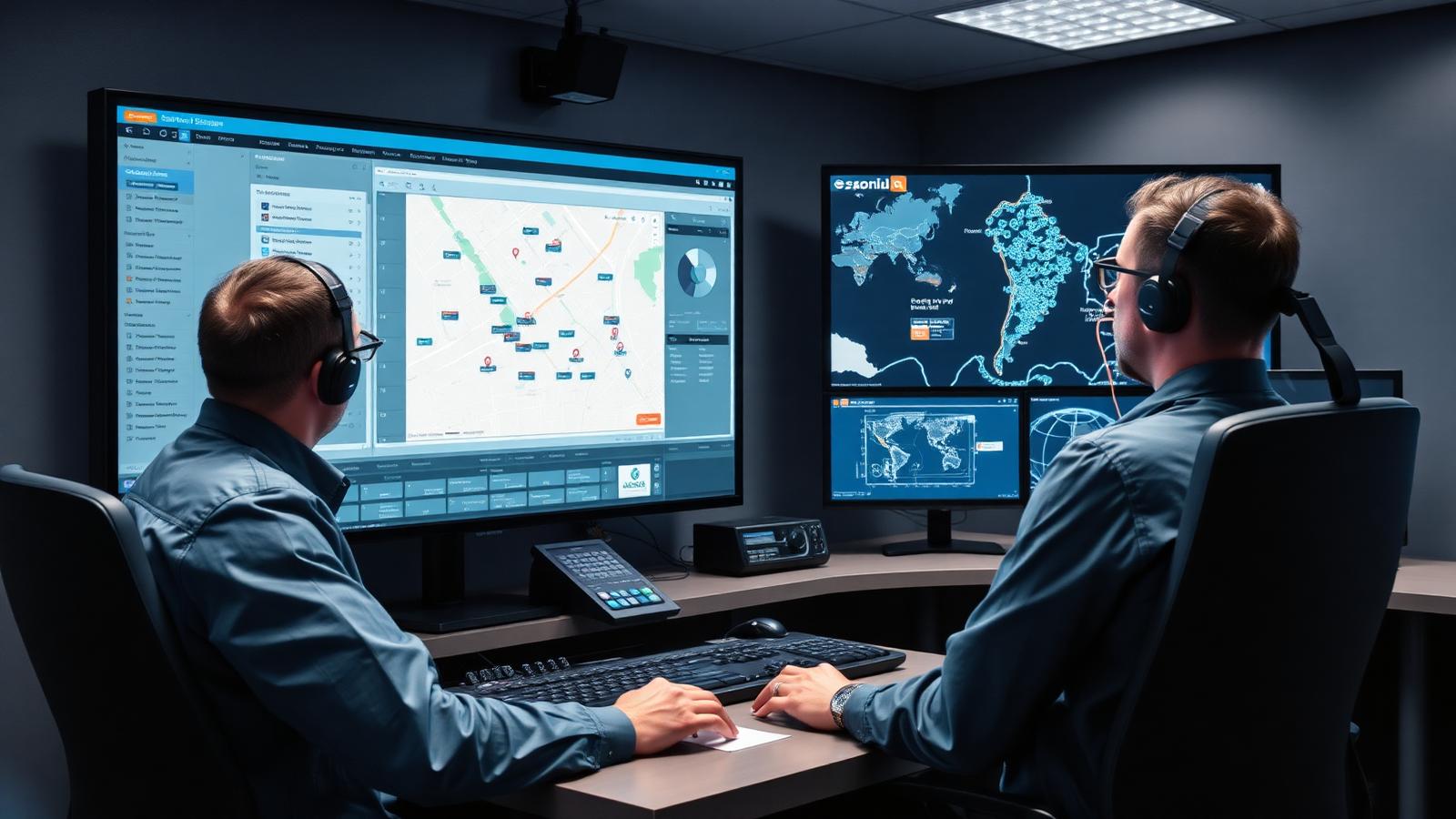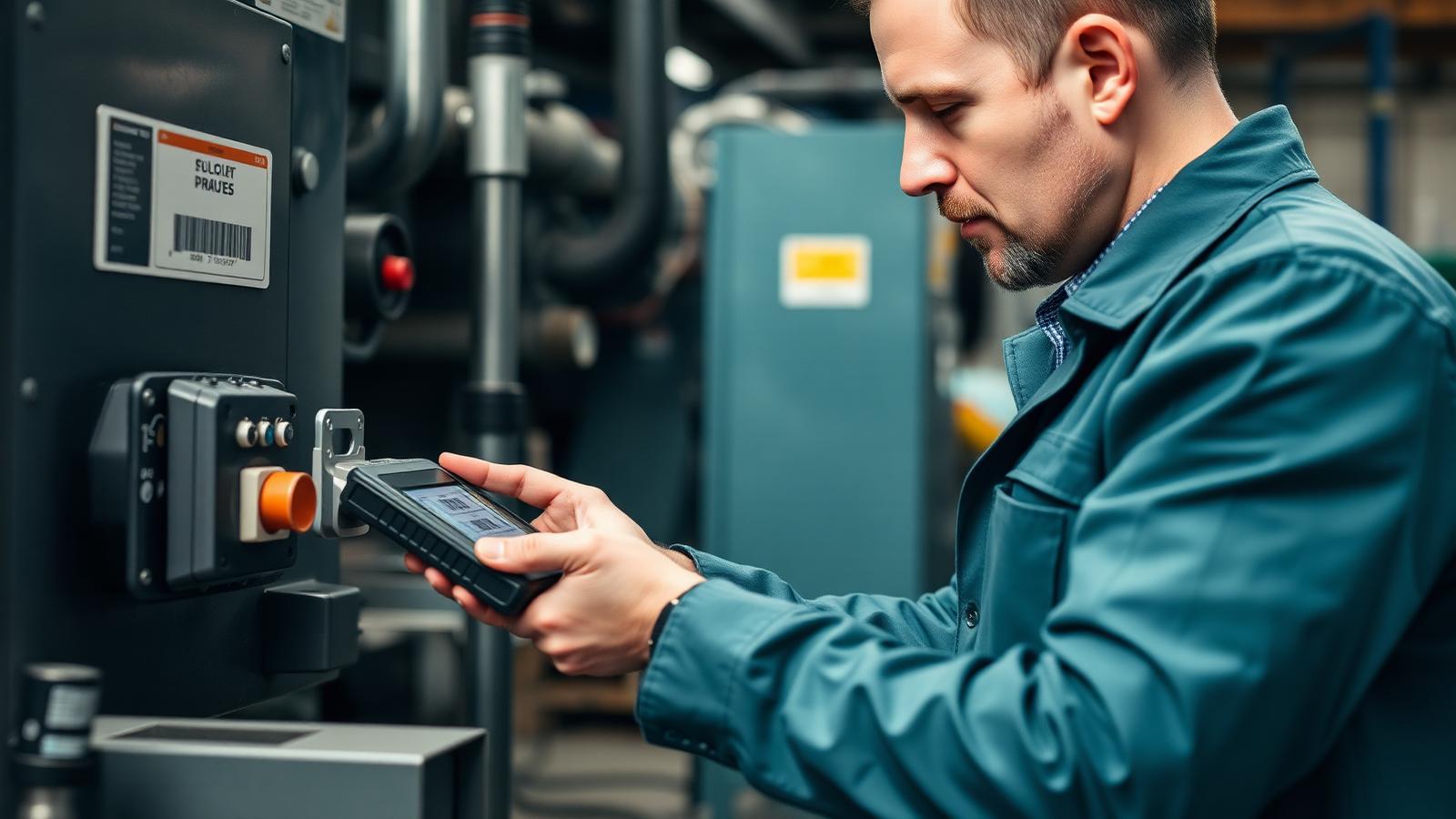
Type "inventory management system" into Google and the results are almost all warehouse and retail software: stock counts on a shelf, purchase orders, barcode scanning at a till. That's a real category, and a useful one, but it assumes your stock sits in one place until someone sells it or ships it. Field service businesses don't work that way. Your stock is split across a warehouse, a handful of vans, and whatever a technician used on a job last week without logging it anywhere.
That's the gap field inventory tracking fills, and it goes well beyond a smaller version of a warehouse system. It follows stock to wherever the work happens, which is a different problem with a different set of failure points. Confusing the two usually means a business buys warehouse software, then keeps losing track of parts the moment they leave the building.
What Is an Inventory Management System?
An inventory management system tracks physical stock as it moves through a business: what's on the shelf, what's been ordered, what's been sold or shipped, and what needs reordering before it runs out. Most systems are built around a fixed location, a warehouse, a store, a distribution centre, where stock sits until a transaction moves it out.
Core functions look similar across most platforms. Stock levels update as items come in and go out. Reorder alerts fire when a SKU drops below a threshold, giving a buyer time to place a purchase order before a shelf runs dry. Barcode or RFID scanning speeds up counting and reduces the manual entry errors that creep in when someone's typing quantities into a spreadsheet at the end of a shift. And reporting shows which items move fast, which sit unsold gathering dust, and where money is tied up in stock that isn't turning over the way it should.
Most of these systems also expect a fairly predictable rhythm: stock arrives, gets counted in, sits until a transaction moves it, gets counted out. A retail store or a distribution centre runs on that rhythm every day. It's a workable model right up until the stock in question stops sitting still.
None of that assumes stock is split across a dozen moving vehicles. A standard inventory management system expects one location, or a small number of fixed locations, with clear transactions between them, which is exactly where it starts to break down for a business running technicians in the field.
What Is the Difference Between ERP and an Inventory Management System?
An ERP system covers a business's full operations: finance, HR, procurement, sales and inventory all in one platform. An inventory management system usually handles just the stock piece, either as a standalone tool or as one module inside a larger ERP. Smaller businesses often run a dedicated inventory system because a full ERP is more than they need; larger ones often run inventory as part of ERP because everything needs to reconcile against the same financial ledger.
What Is Field Inventory Tracking?
Field inventory tracking follows stock once it leaves the warehouse and gets loaded onto a van, a trailer or a technician's kit. The vehicle is the unit that matters here, not the shelf, and the real question shifts from "how much do we have" to "what's on this van right now, and did it get used on the job it was meant for."
That reframes what the software needs to do. Parts get linked to specific jobs, so when a technician fits a component, the system records which job it came out of stock for, not just that stock dropped by one unit somewhere unspecified. That link matters twice over: it keeps the count accurate, and it means the part shows up on the invoice for that job automatically instead of someone having to remember to bill for it later.
Van stock counts update from the field rather than from a warehouse scanner, usually through a mobile app a technician uses on site as parts are fitted rather than at the end of the day from memory. Replenishment triggers can fire based on what's missing from a specific vehicle rather than a central shelf, so a van running low on a commonly used part gets flagged before a technician turns up at a job without it. And because none of this happens anywhere near a warehouse scanner, offline support matters here in a way it rarely does for a fixed-location system. A technician working in a basement plant room with no signal still needs to log what they've used, and the app needs to catch up once they're back in range rather than losing that record entirely.
WorkWide's parts inventory feature is built around that job-linked structure, tracking stock against the work it's used for rather than treating a van the same way a warehouse system treats a shelf.
Warehouse Inventory vs Field Inventory: Where They Differ
The two systems solve related problems that look similar from a distance and behave very differently once stock starts moving.
Stock Location and Visibility
A warehouse inventory system knows exactly where stock sits because it doesn't move much between counts. A field inventory system has to account for stock spread across every vehicle in the fleet, updated as technicians use parts throughout the day rather than at a single scan point. Visibility in a warehouse means checking a shelf. Visibility in the field means trusting that what the app says is on a van matches what's sitting in the back of it, and that trust only holds up if technicians log usage as they go.
Who Uses Each System
Warehouse inventory tools are used by stock controllers and procurement staff who rarely leave the building. Field inventory tracking is used by technicians on site and dispatchers trying to work out whether a job can be completed with what's already loaded, or whether someone needs to swing by the warehouse first. The second group needs a mobile-first tool, because logging parts usage from a desktop after the fact defeats the purpose.
Signs Your Business Needs Field Inventory Tracking
A few patterns show up consistently in businesses still running warehouse-only inventory software for a field team. Technicians running back to the warehouse mid-job because nobody could see what was already on the van is the most obvious one. So is a stock count that's accurate on Monday morning and wrong by Wednesday, because parts are being used and nobody's logging it in real time.
Billing gaps are another tell. If parts get fitted on a job but don't automatically flow through to the invoice, someone is either chasing paperwork afterward or writing off the cost. And if your only way to answer "how much stock do we have across the whole fleet" is to physically check every van, that's a visibility problem a warehouse-focused system was never built to solve. For more on what this looks like in practice, our piece on field service inventory visibility covers the operational side in more depth.
How to Improve Inventory Accuracy Across Warehouse and Field
Start by linking parts usage to jobs rather than tracking stock as a standalone number. Once a part is tied to the job it was used on, the stock count updates automatically and the billing catches up without someone reconciling a spreadsheet at month end.
Push stock logging out to the technician rather than back to a warehouse clerk. A technician who scans or selects a part the moment it's fitted keeps the count accurate in a way that after-the-fact data entry never quite manages. And build in low-stock alerts per vehicle, not just per warehouse, so a van running low on a common part gets flagged before a technician arrives on site without what they need.
The goal stays the same no matter which system you end up running: know what you have and where it sits, then tie it back to the job that used it. A warehouse-only inventory system gets you halfway there. Field inventory tracking closes the loop.
Conclusion
An inventory management system and field inventory tracking both answer "what stock do we have," but they're built for different versions of that question. One assumes stock sits still until a transaction moves it. The other assumes stock is already moving, loaded onto vans and used against jobs throughout the day. If your business fits the second description, WorkWide Mobile connects parts tracking directly to job records and asset management, rather than treating stock as a number disconnected from the work it supports. If you're weighing this alongside broader asset tracking decisions, our asset tracking software buyer's checklist is a useful next read.