
Scheduling & Dispatch
Schedule by availability, skillset or location with a full calendar view.
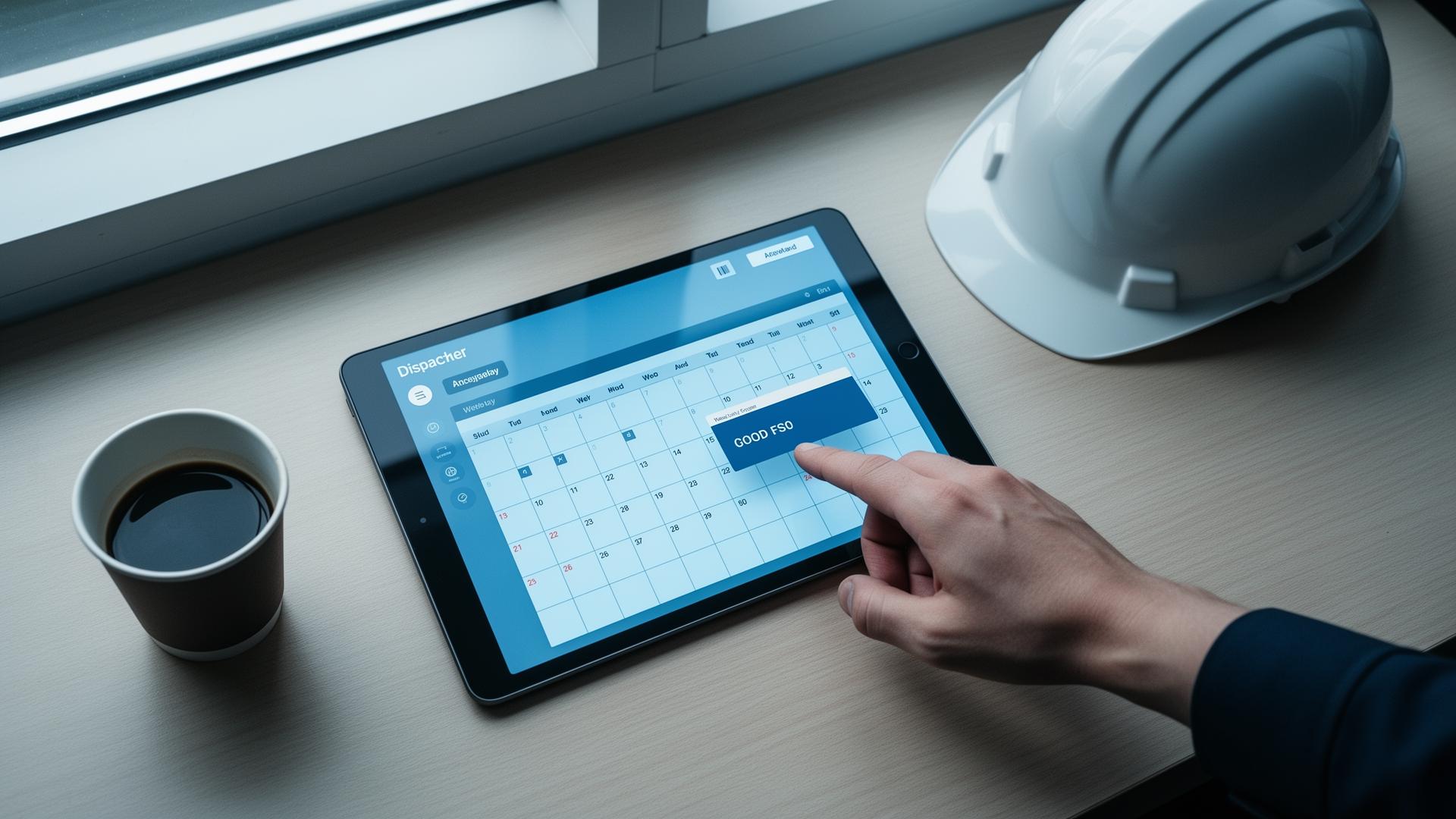
Built to make scheduling & dispatch effortless.
Empower your field teams to deliver on time, every time. Schedule tasks using availability, skillset or location, visualise the day in calendar view, and dispatch jobs to the right resource in seconds. On-duty and off-duty status tracking ensures tasks are always assigned in line with availability and HR policies.
Key Benefits
- Calendar view of the entire day across teams, regions and skills
- Schedule by availability, skillset or geographic location
- On-duty and off-duty tracking aligned with HR policies
- Dispatch jobs to the right resource in seconds
Assign the right job to the right person at the right time with WorkWide Mobile’s scheduling and dispatch software.
Field service businesses need more than a shared calendar or a basic dispatch board. They need a practical way to allocate work, respond to changing priorities, manage availability and keep the office and the field aligned throughout the day.
WorkWide Mobile helps businesses simplify scheduling and dispatch across mobile workforce operations. From ad hoc task assignment to automated job assignments, our platform gives your team better control over task allocation, resource planning and service delivery.
Built as part of a connected mobile workforce management platform, WorkWide Mobile links scheduling and dispatch with digital job cards, route optimisation, user tracking and wider field service workflows.
Scheduling and Dispatch Built for Field Teams
Scheduling and dispatch in a field service environment is about more than placing jobs on a timetable. Teams need to understand who is available, which technician has the right skillset, where that person is located and what stock or equipment may be needed for the task.
WorkWide Mobile is designed to support these operational decisions. It helps dispatchers, coordinators and managers assign tasks faster, improve visibility across the workforce and keep projects moving on time.
Instead of relying on phone calls, spreadsheets or disconnected systems, your business can manage scheduling and dispatch from one connected platform.
Office teams can allocate work from the WorkWide console, giving dispatchers and coordinators a simple way to manage task distribution. This supports faster scheduling decisions and makes it easier to react when workloads change during the day.
- How WorkWide Simplifies Scheduling and Dispatch
- Independent Task Assignment from the Desktop
Automated Job Assignments Through Business System Integration
WorkWide Mobile can integrate with your existing business systems to support automated job assignments. This helps reduce manual administration and keeps work moving smoothly from one operational system into the field.
Priority-Based Auto Assignment
Jobs can be assigned automatically according to priority, skillset, resource availability and boot stock. This helps your business allocate work more intelligently, reduce bottlenecks and improve the way field service resources are used.
Use the WorkWide console to assign tasks quickly whenever new work comes in. This is especially useful for reactive jobs, urgent callouts or changing service schedules.
- WorkWide Scheduling Features for Day-to-Day Operations
- Ad Hoc Task Assignment
Auto-Assignment by User Group, Location, Skillset, Workload and Availability
WorkWide helps optimise resource allocation by matching tasks to the most suitable users based on the factors that matter most in the field. This supports a more efficient scheduling process and helps reduce unnecessary travel or delays.
Complete Tasks on the Web
Desk-bound users can complete tasks directly on the web, extending access beyond mobile workers and allowing more flexibility across the wider team.
Create Tasks from the Mobile App
Tasks can be created directly from the mobile app, making it easier for field teams to raise new jobs, update work on the move and keep the operation responsive.
On-Duty and Off-Duty Status
Availability controls help users indicate whether they are on duty or off duty. This gives dispatchers a clearer picture of workforce availability and supports more accurate scheduling decisions.
Task Roadblocks
Customised roadblock reasons make it easier to understand why a task is on hold. This improves exception handling and gives managers better context when resolving delays or reassigning work.
Connected Features That Strengthen Dispatch Outcomes
Scheduling and dispatch works best when it is connected to the rest of the service workflow. WorkWide Mobile strengthens dispatch outcomes by linking task allocation to related operational features across the platform.
Route optimisation to help teams travel more efficiently between jobs.
Digital job cards to keep task information, updates and proof of work connected to each assignment.
Offline mode so users can continue working even where connectivity is limited.
User tracking to improve live visibility across the workforce and the wider job lifecycle.
This connected approach helps your business move from basic dispatching to a more complete mobile workforce management model.
Automation and better task allocation help reduce manual effort, improve scheduling accuracy and increase the number of jobs completed each day.
- Why Businesses Choose WorkWide Mobile
- Improved Efficiency and Productivity
Cost Savings
Better scheduling and route planning help reduce overtime, unnecessary travel and wasted resources, leading to stronger operational control.
Real-Time Visibility
WorkWide Mobile gives managers a clearer view of field activity, job progress and workforce availability, helping teams make faster and better-informed decisions.
Better Customer Satisfaction
When the right resource is assigned quickly and jobs are managed more efficiently, customers benefit from faster service and a more reliable experience.
Built for Mobile Workforce Teams
WorkWide Mobile is built for businesses that need connected scheduling and dispatch across service, inventory, asset and customer workflows. It is particularly well suited to field service teams, maintenance operations, installation teams, facilities management businesses, telecommunications providers and other organisations managing work in the field.
Whether your business runs a small mobile team or a large distributed workforce, WorkWide Mobile helps you schedule smarter, dispatch faster and keep service operations better organised.
Curious?
Want to find out how WorkWide can benefit your business? Request a demo today and see how WorkWide Mobile helps businesses improve task scheduling, dispatch management and field service delivery from one connected platform.
Book a demo and discover how WorkWide Mobile gives your team better control over every task, every technician and every job.
Measured impact across WorkWide Mobile customer deployments.
Measured impact across WorkWide Mobile customer deployments.
Measured impact across WorkWide Mobile customer deployments.
Where teams put Scheduling & Dispatch to work.

Daily run-sheets
Plan every technician's day in calendar view and drag jobs to rebalance load on the fly.

Skill-matched dispatch
Auto-assign jobs only to technicians with the right certification and active duty status.

Multi-site operations
Schedule across regions, branches and crews from a single console.
Scheduling & Dispatch — questions answered.
Can we schedule across multiple teams?+
Yes — view, plan and dispatch across teams, regions and branches in one calendar.
Does it respect off-duty status?+
Yes. On/off-duty tracking ensures jobs are only assigned in line with availability.
Can we drag-and-drop reschedule?+
Yes — the calendar supports drag-and-drop with instant re-dispatch.
What does scheduling and dispatch software do?+
Scheduling and dispatch software helps your business plan, assign and manage work across field teams. WorkWide Mobile gives dispatchers a clear view of technician availability, location, workload and skills, so jobs are sent to the right person at the right time — and updates flow back to the office as work progresses.
How does WorkWide Mobile help dispatchers assign the right technician?+
Dispatchers can see live availability, location, current workload and skill sets in one view. Jobs can be assigned manually based on that information, or routed using priority, region and capacity — so the closest, most suitable technician gets the work rather than whoever happens to be on the phone.
Can schedules be updated in real time when something changes?+
Yes. Cancellations, urgent call-outs, delays and reprioritisations can all be handled live. Updates push straight to the field worker's device, so the schedule on their phone always matches the schedule in the office.
Does scheduling connect to job management and customer service?+
Yes. Scheduling and dispatch sit inside the same connected platform as job management, customer service, assets, contracts and reporting. A new ticket, recurring maintenance job or contract task can flow straight into the schedule without re-keying information between systems.
How does better scheduling improve operational performance?+
Clearer dispatching reduces idle time, cuts unnecessary travel, improves first-time fix rates and helps your team complete more jobs each day. It also gives managers reliable data on capacity, productivity and SLA performance so they can plan resourcing with confidence.
Teams using scheduling & dispatch
Facilities Management
Routine maintenance, incidents and workflow oversight.
See industrySecurity
Callouts, site inspections and firearm controls.
See industryAutomotive
Installations, repairs and vehicle inspections.
See industryFire Safety
Installation, maintenance and compliance.
See industryHealthcare Services
Real-time maintenance and incident management.
See industryCustomer stories featuring this
Field Service Management & Workforce Optimization for a leading South African office automation provider
Digitizing technician dispatch, real-time visibility, and first-time resolution to eliminate repeat callouts and boost margins.
Read story Facilities Management — HealthcareTask & Compliance Management for a leading facilities management company in healthcare
Automating daily cleaning schedules and QR-validated execution across hospitals to enhance productivity, hygiene compliance, and transparent client reporting.
Read storySee Scheduling & Dispatch live in your operation.
Book a call and we'll show you exactly how this works for your teams, sites and customers.
Related capabilities
Ready to get started?
Book a call and see WorkWide Mobile in action.